1. On your Skynamo web interface, navigate to the Customers tab:

2. Search for the customer:

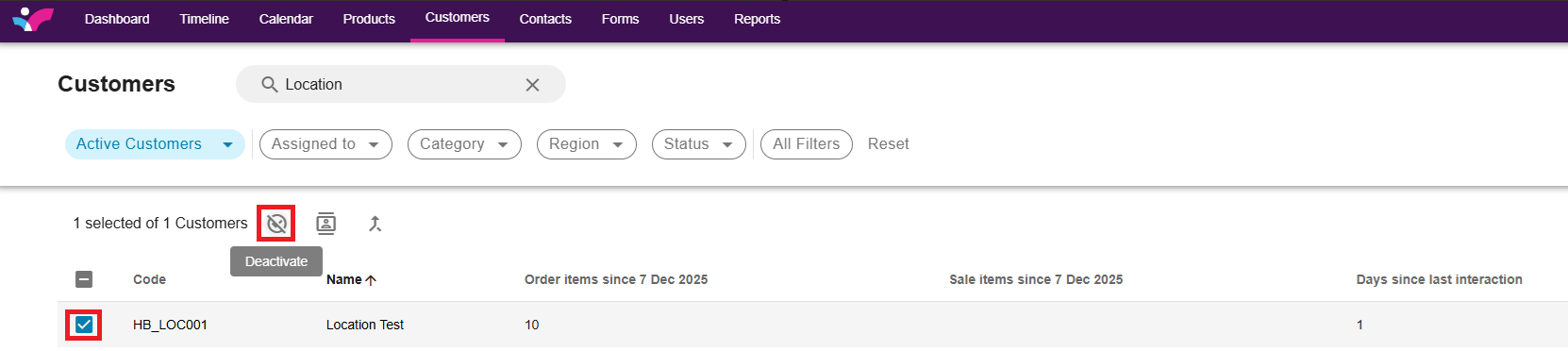
3. Tick the box next to the customer and select Deactivate:
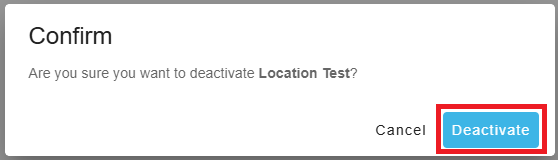
4. Select Deactivate again to confirm:
Was this article helpful?
That’s Great!
Thank you for your feedback
Sorry! We couldn't be helpful
Thank you for your feedback
Feedback sent
We appreciate your effort and will try to fix the article