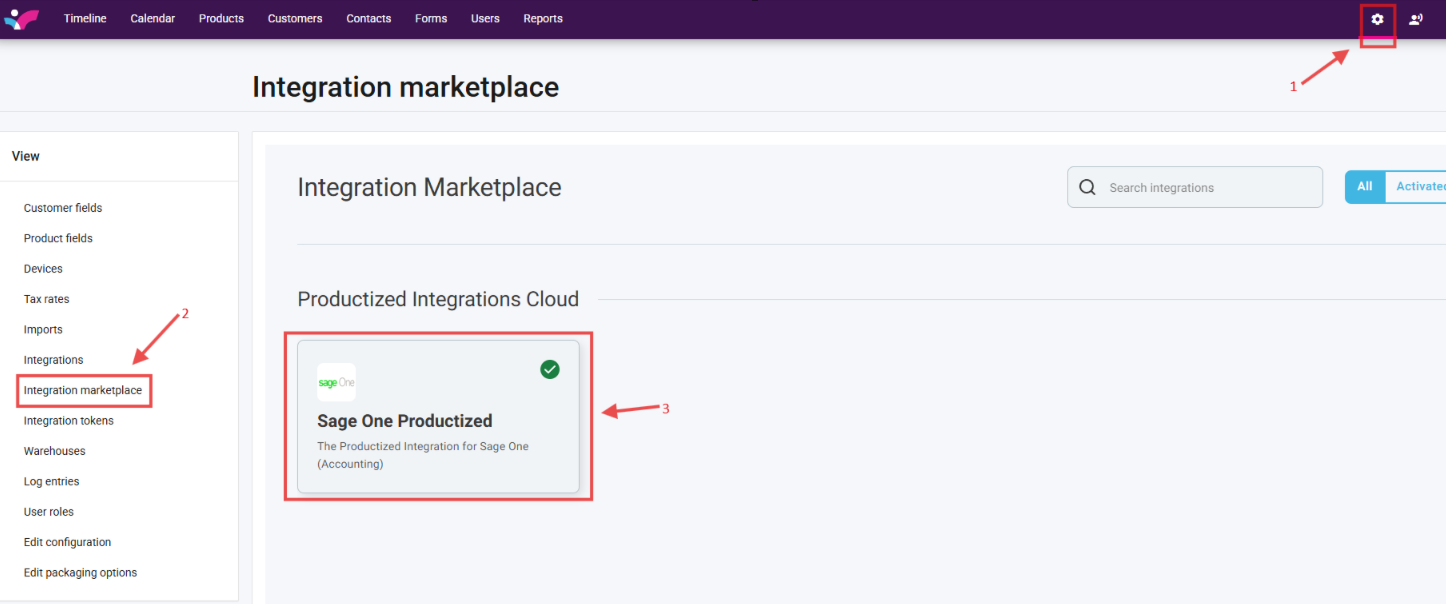
1. On your Skynamo web interface, click on the Settings icon in the top-right corner of your screen
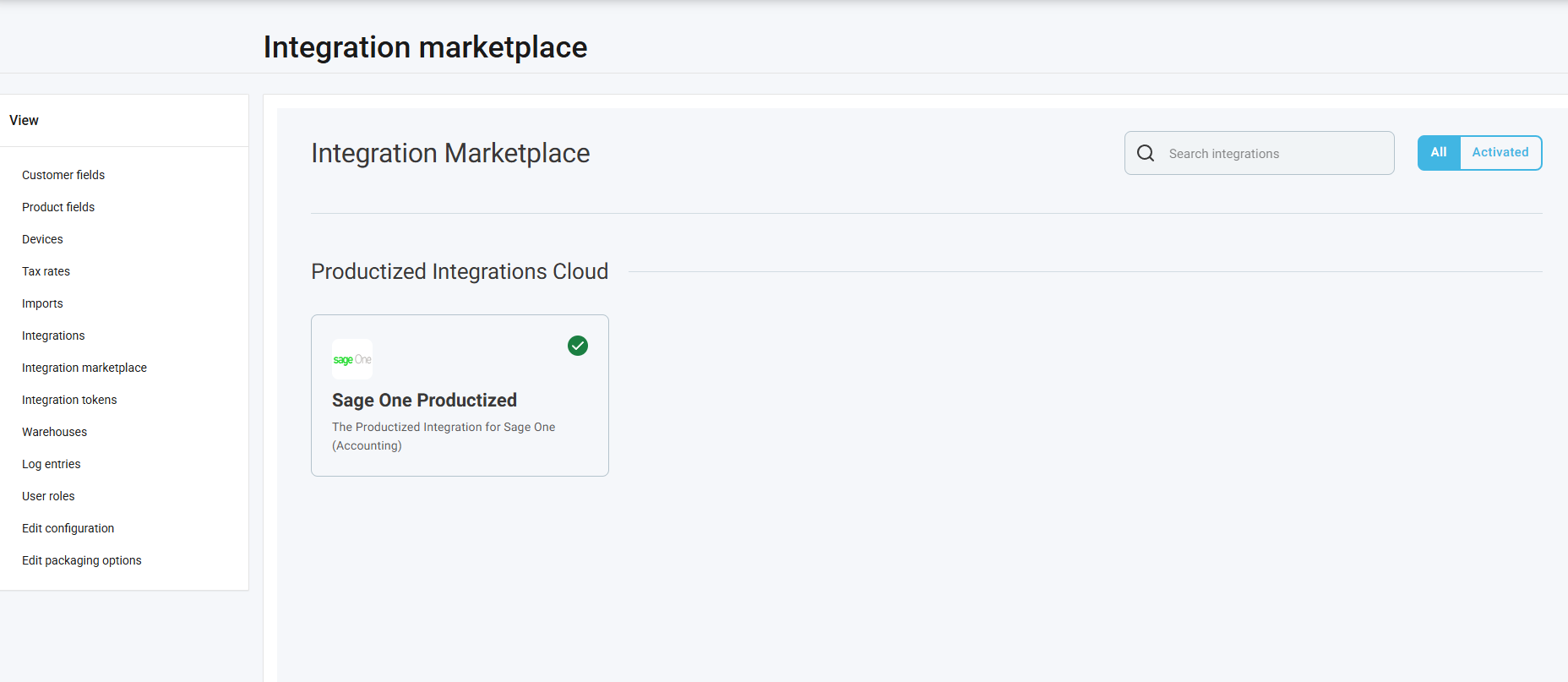
2. Click on Integration marketplace in the left-hand View tab
3. Click on the "Sage One Productised"
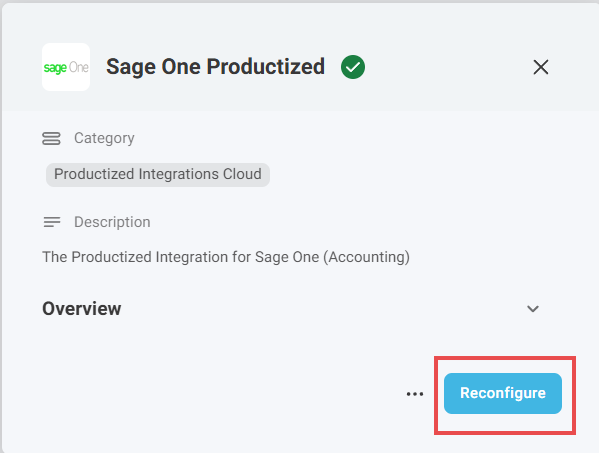
4. Click on Reconfigure:
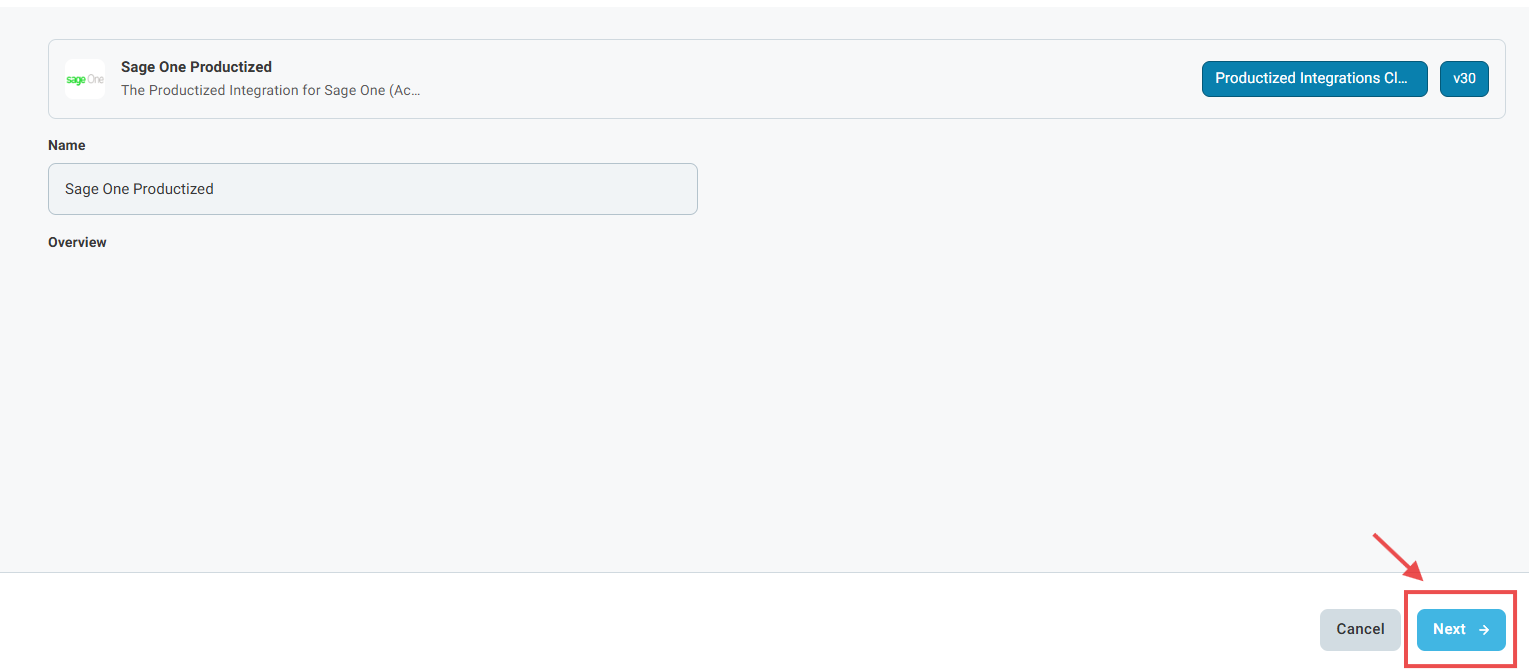
5. Click Next until you get to the Rep code assignment page:
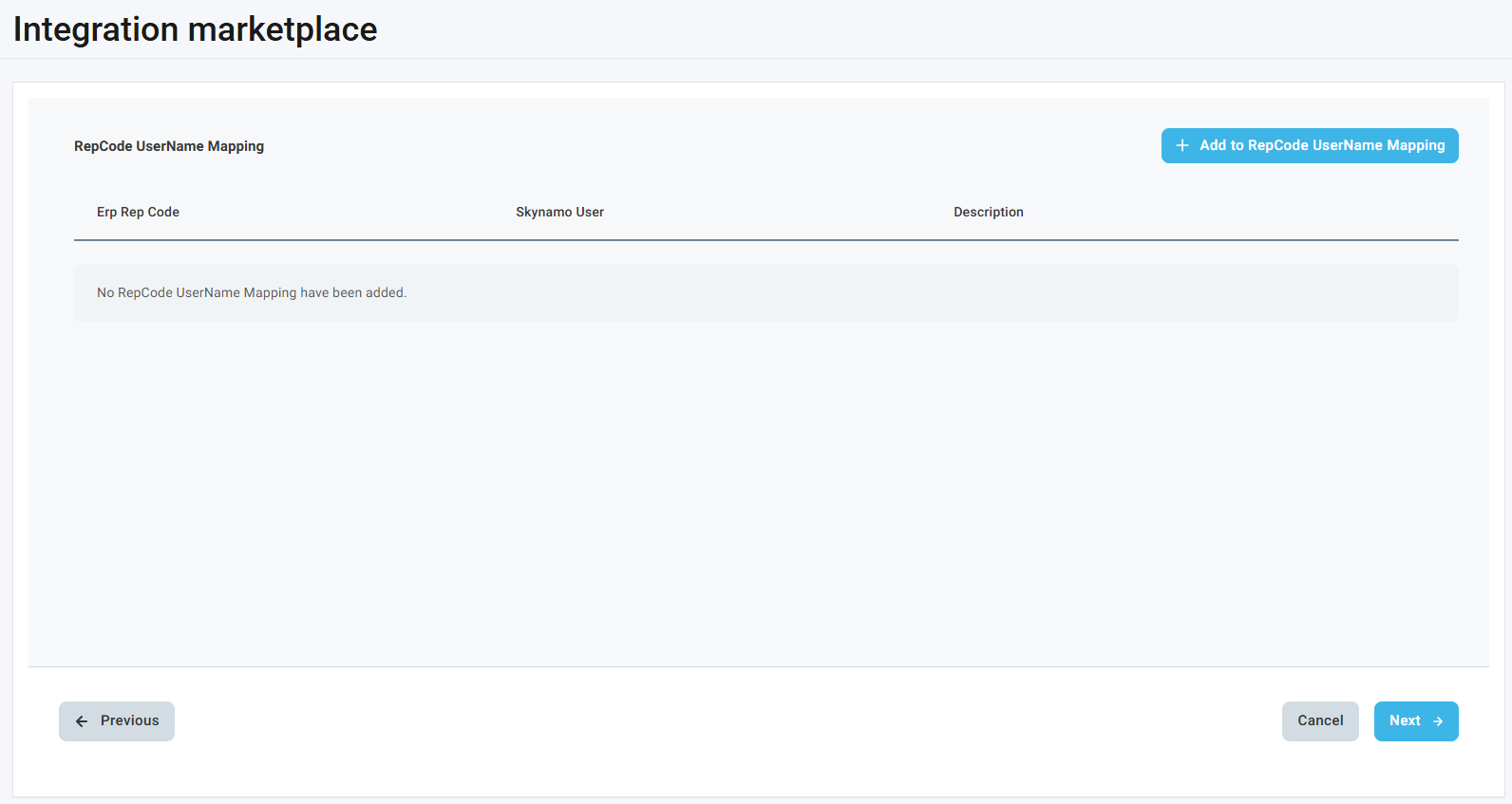
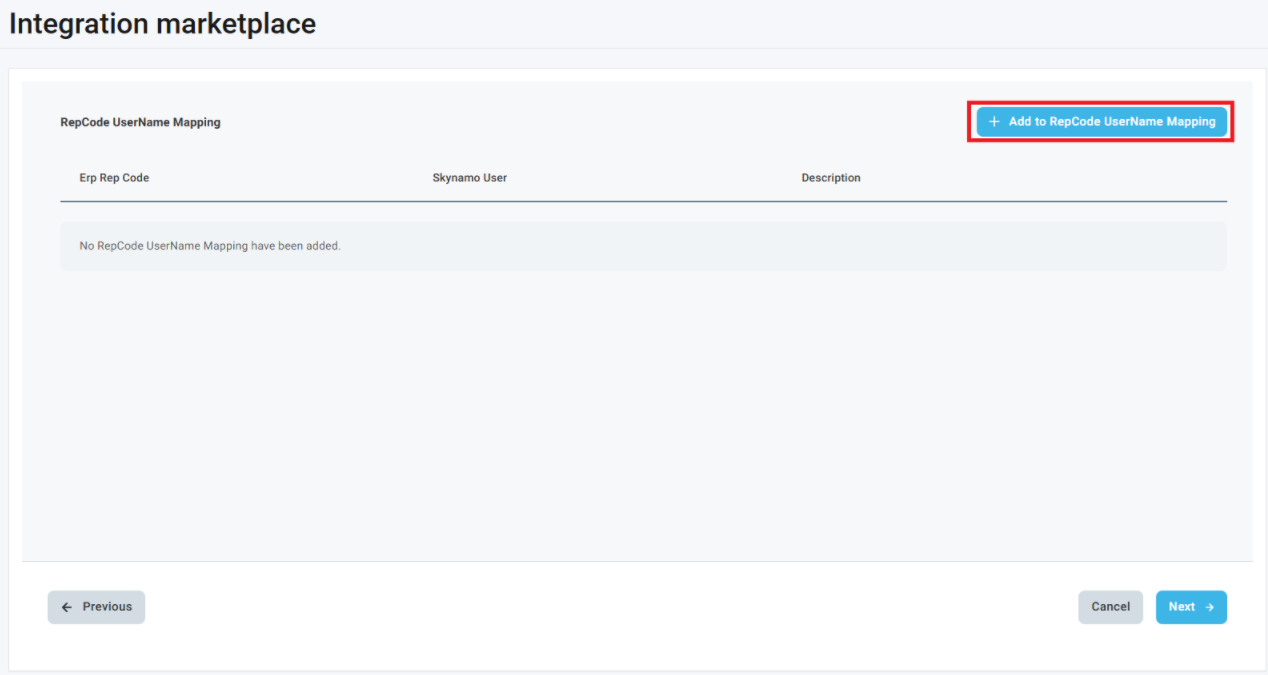
6. Click on Add to RepCode UserName Mapping:
7. Match the Rep Code as per the ERP to the Skynamo User:
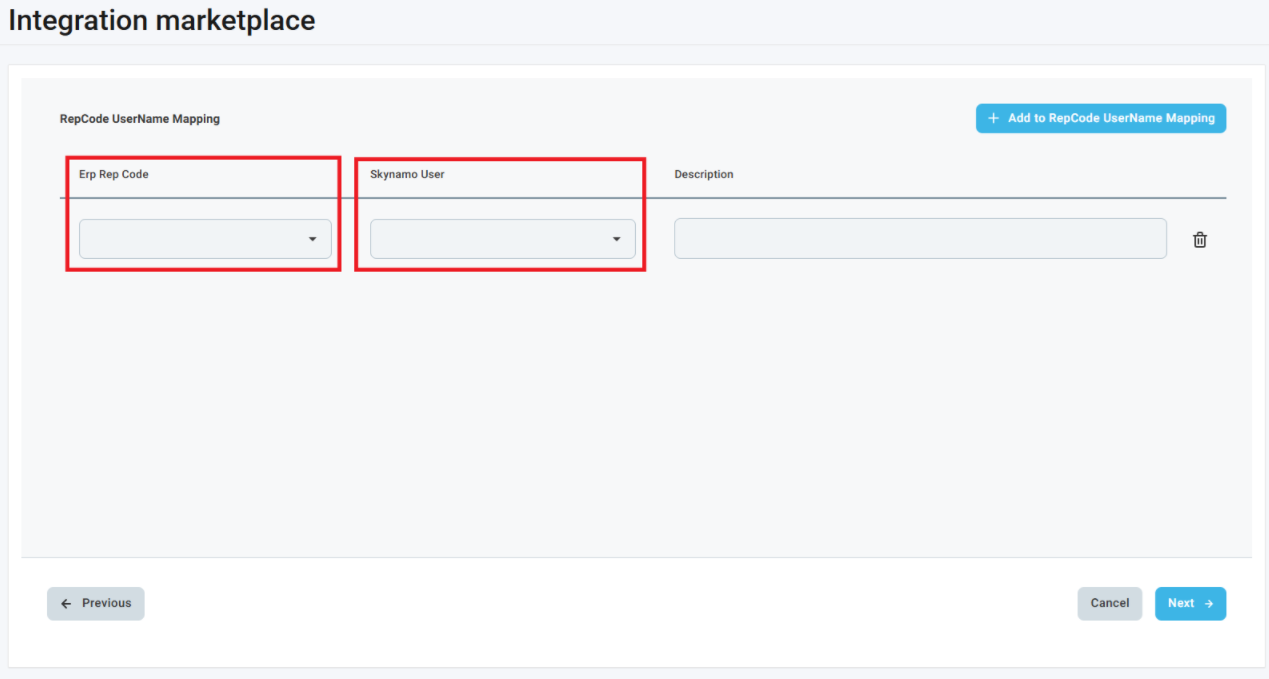
Repeat steps 6 and 7 until all of your users are mapped to their rep codes. You can map more than one user to a rep code and more than one rep code to a user.
8. You can now click Next at the bottom-right corner until you get to the last page where you click Finish - which will take you to the original page:

Was this article helpful?
That’s Great!
Thank you for your feedback
Sorry! We couldn't be helpful
Thank you for your feedback
Feedback sent
We appreciate your effort and will try to fix the article