
1. Open and order/credit request or quote and click on the barcode button seen in the below screenshot
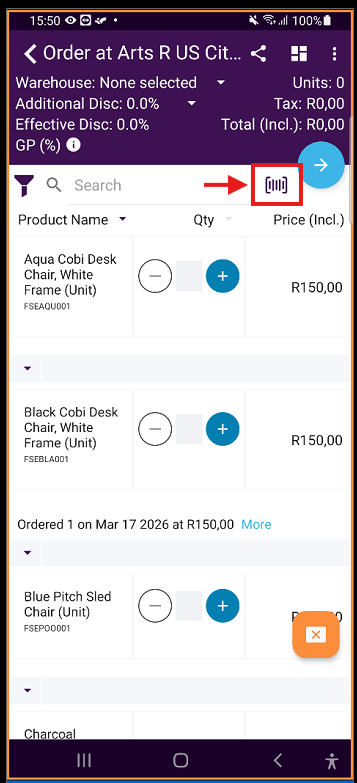
Your camera will then open.
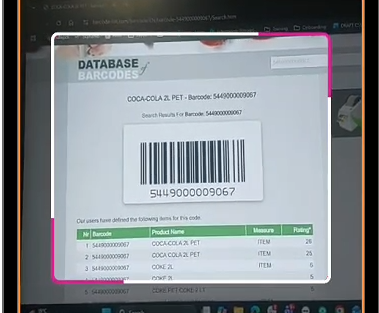
2. Scan the barcode required. The camera will close after it has been scanned.
3. The product scanned will then show where you can type in the quantity
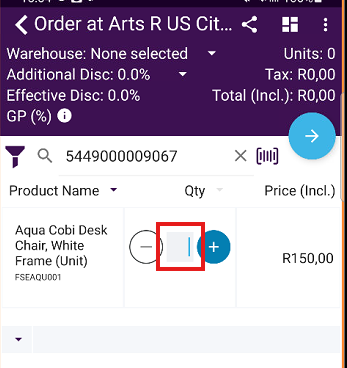
4. Repeat above steps to add additional products
Please note the barcode scanner will not work if there is no barcode number associated to the product.