
Before your reps can use barcode scanning for orders and quotes in the field, you need to have barcode numbers assigned to each product. The below steps will guide you on how to do this:
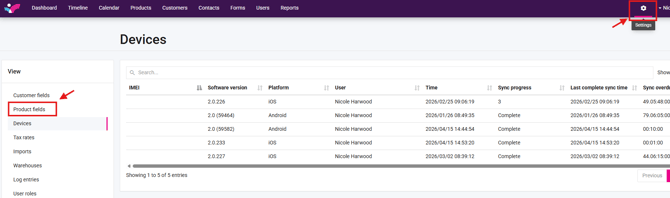
1. Navigate to "Product Fields" under settings
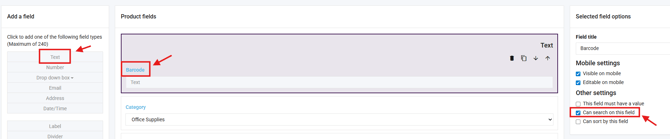
2. Add text product field called "Barcode" and set it to "Can search on this field"
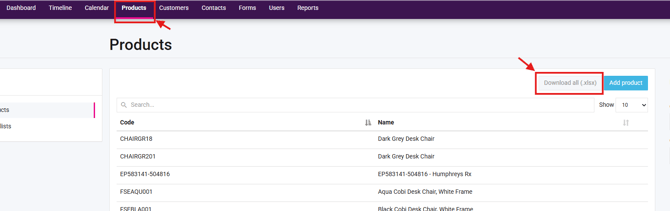
3. Download your product base and add the product barcode numbers in this field
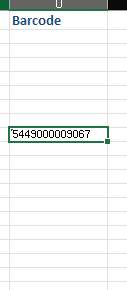
4. Import this document -> How to import
Please see the below article to see how your reps can use barcode scanning in the field.