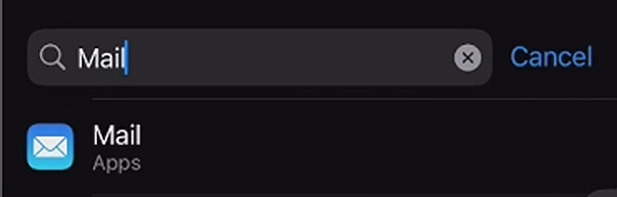
1. Navigate to your device's settings and select Mail
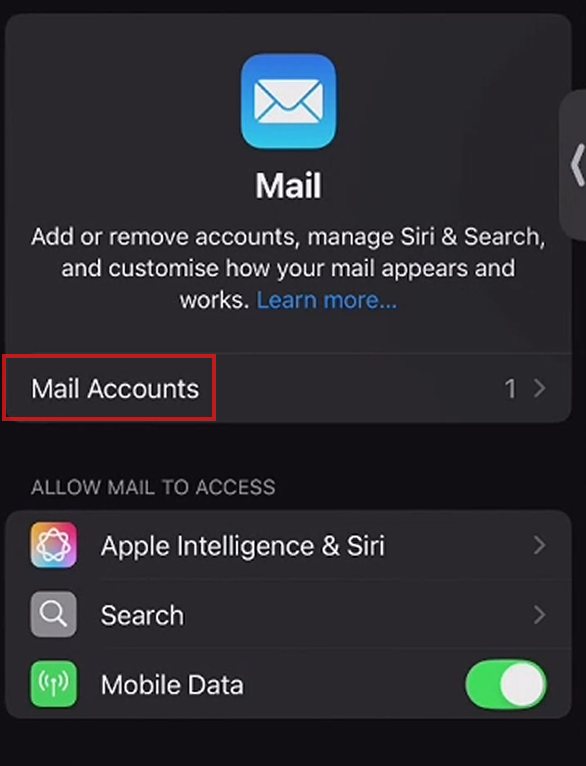
2. Select "Mail Accounts"
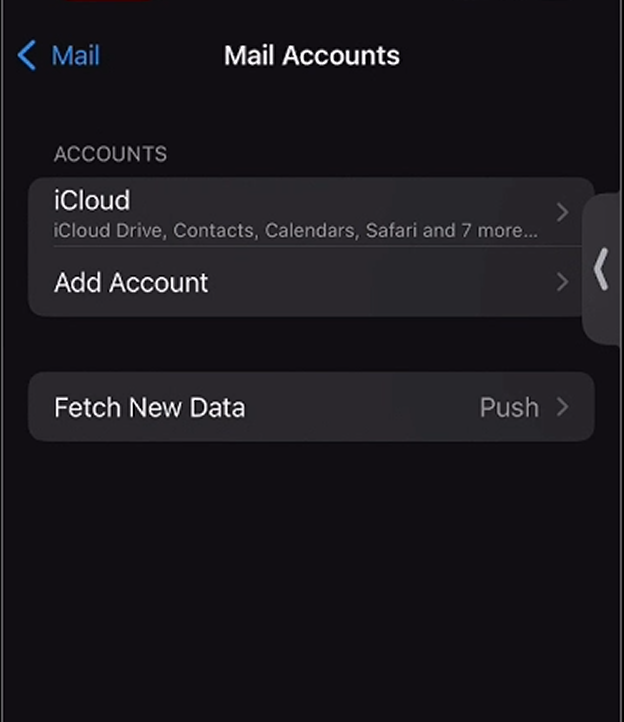
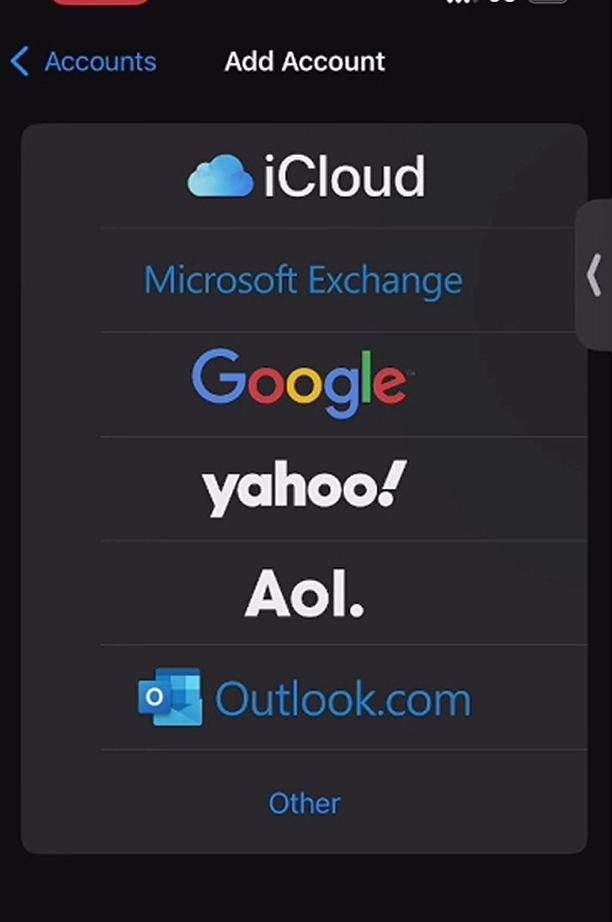
3. Choose to configure your iCloud account or select "Add Account" and log into another email account
Was this article helpful?
That’s Great!
Thank you for your feedback
Sorry! We couldn't be helpful
Thank you for your feedback
Feedback sent
We appreciate your effort and will try to fix the article