To create new Job Titles for your Contacts, you simply need to import a contact into Skynamo, that has that Job Title.
1. Open the attached template in Excel and click Enable Editing at the top:

2. Fill out your template with at least one contact for each new job title you wish to add. For example:

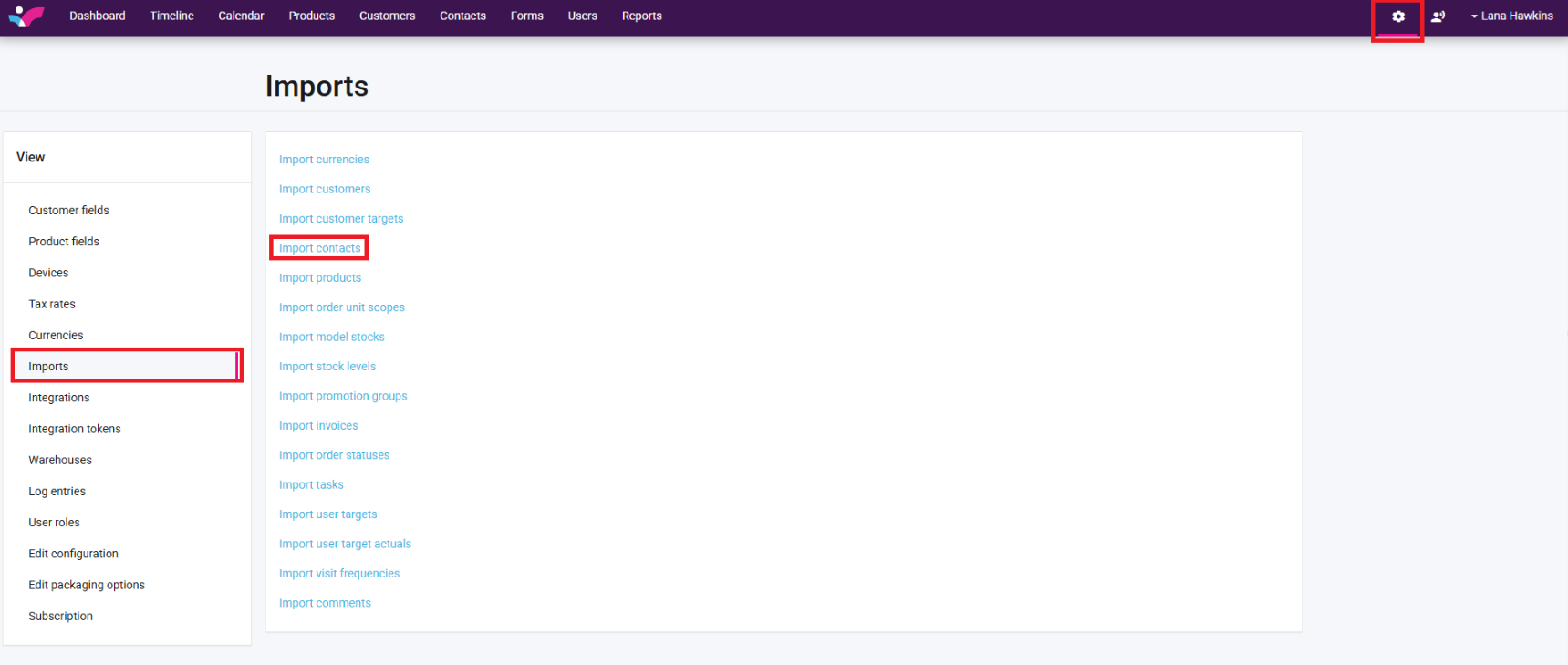
3. On your Skynamo web interface, click on the Settings icon in the top-right corner -> Imports -> Import Contacts:
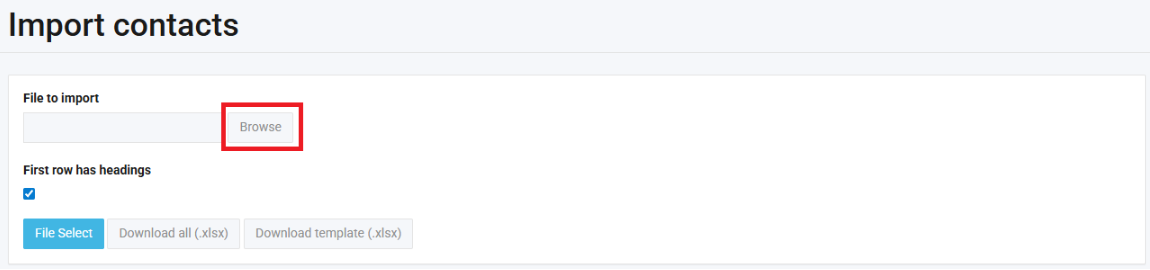
4. Click on Browse and select the Contacts file you have updated:
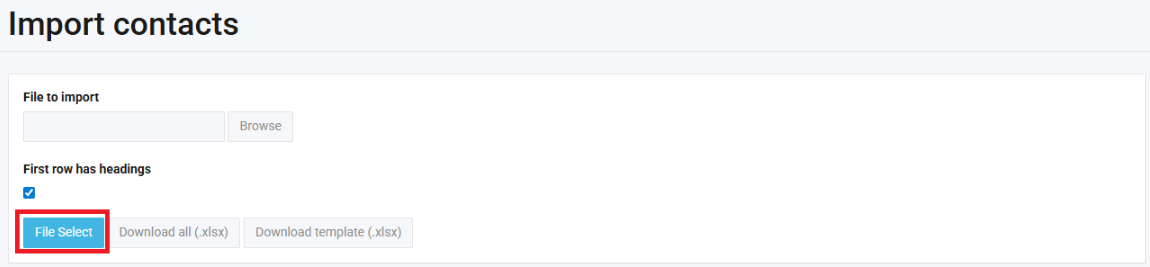
5. Click on File Select:
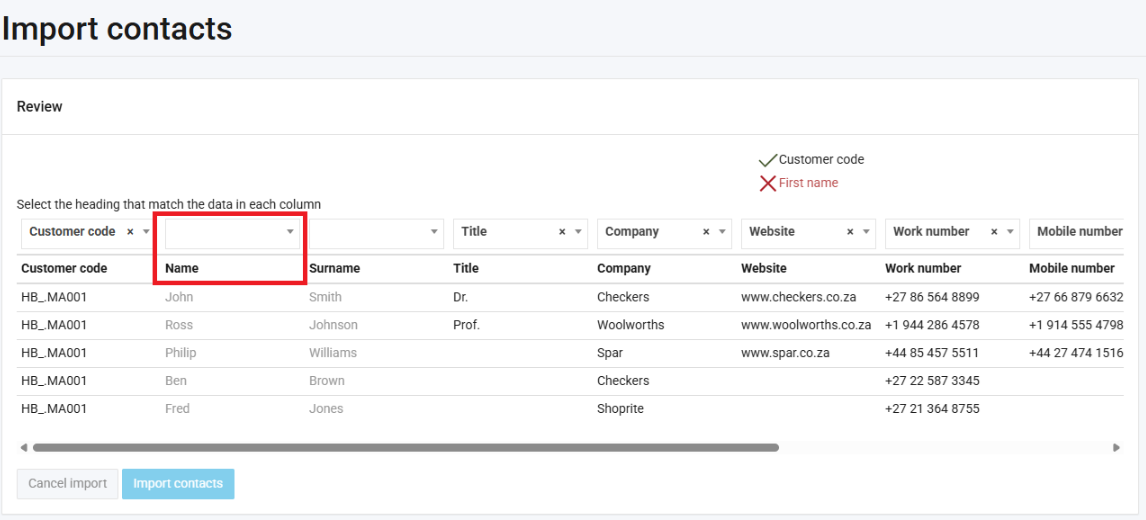
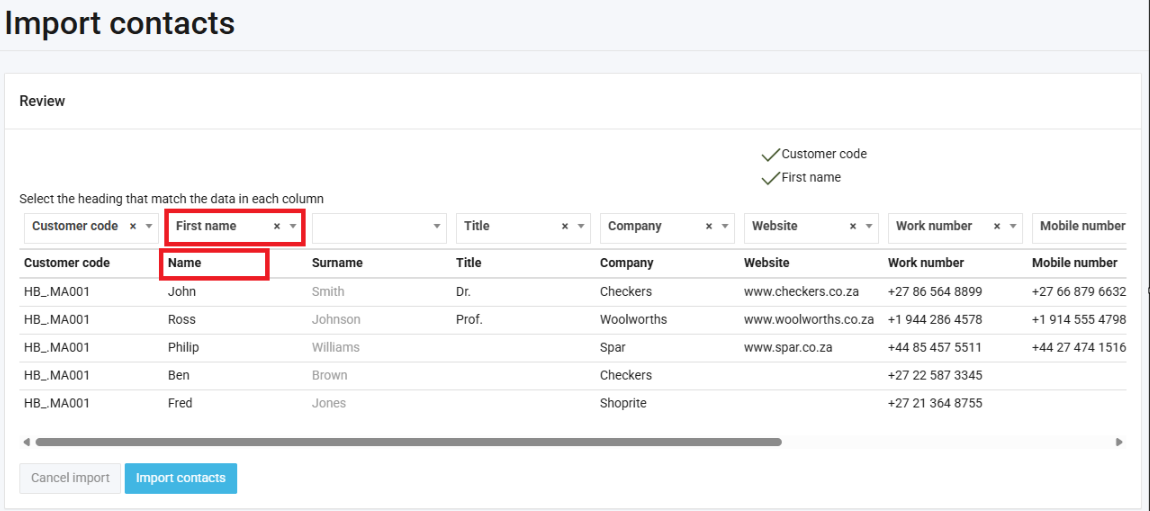
6. Match up your Headers. This means, make sure that each heading matches the column above it:
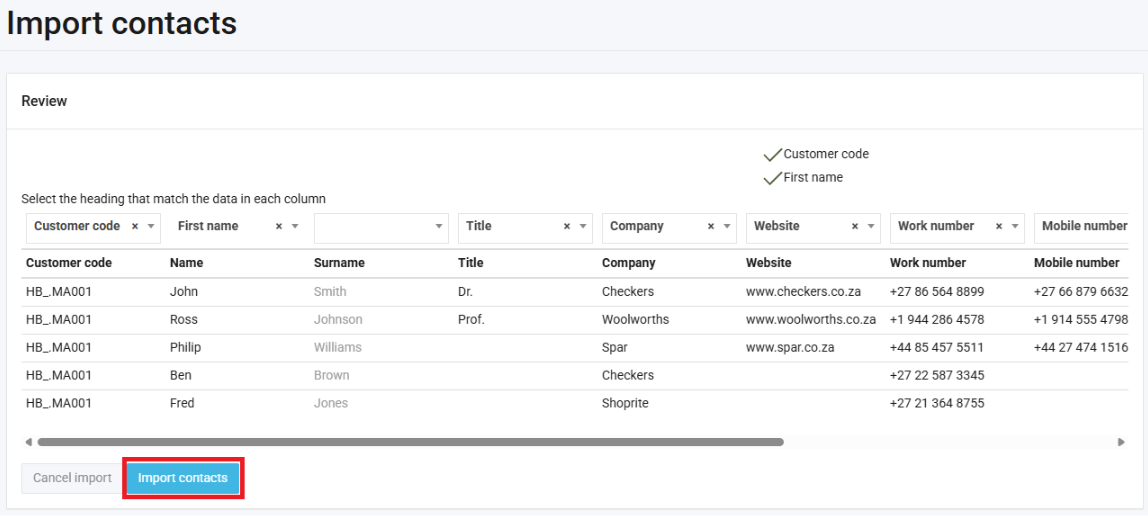
7. Click Import contacts:
You will then receive a message to indicate whether your import was successful or not:

When creating a new contact, your new job titles will appear.
Was this article helpful?
That’s Great!
Thank you for your feedback
Sorry! We couldn't be helpful
Thank you for your feedback
Feedback sent
We appreciate your effort and will try to fix the article