
Simply follow these steps:
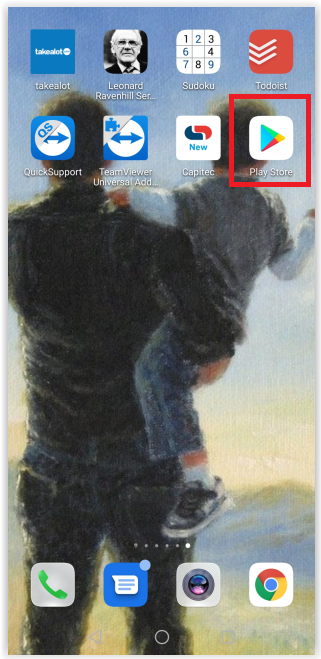
- Access the Play Store.
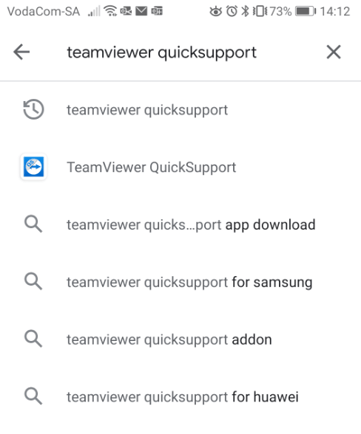
- Search for and select TeamViewer QuickSupport
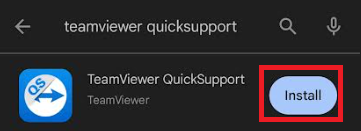
- Click on Install and wait for the app to download:
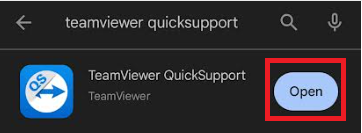
- When it finished downloading, select "Open"
- Tick the "I accept the EULA and the DPA" box and then select Continue:

- Click on "Skip" or "Continue" until you get to the end:

- Click on "Let's get started":

- Click on "Agree":

- Allow Quicksupport to send notifications, as you will need to receive the incoming request notification:

11) Go back onto Quicksupport. An ID number will be displayed that your Support agent will ask for in order to connect.