
On your devices keyboard, click on the Keyboard icon on the bottom left corner.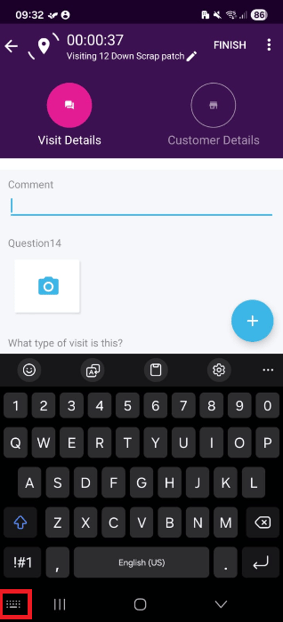
Then select the Voice Input option.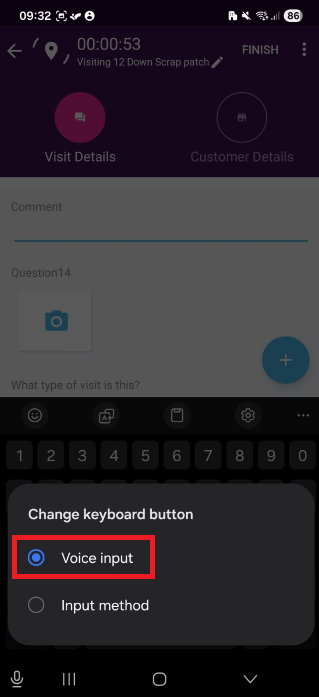
You should then be able to press the mic icon on the bottom left corner of your screen to start recording your text.
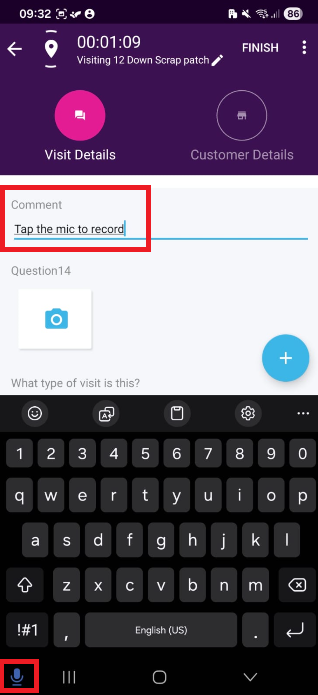
Then press the button again to stop recording.