
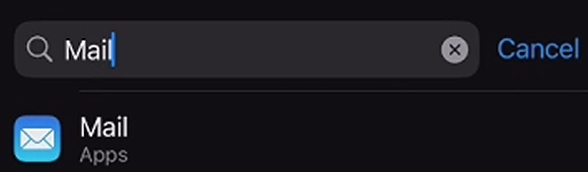
1. Navigate to your device's settings and select Mail
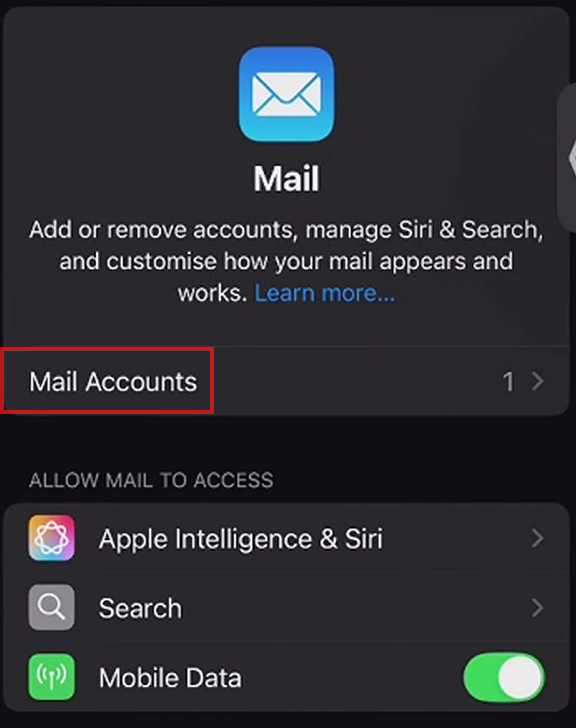
2. Select "Mail Accounts"
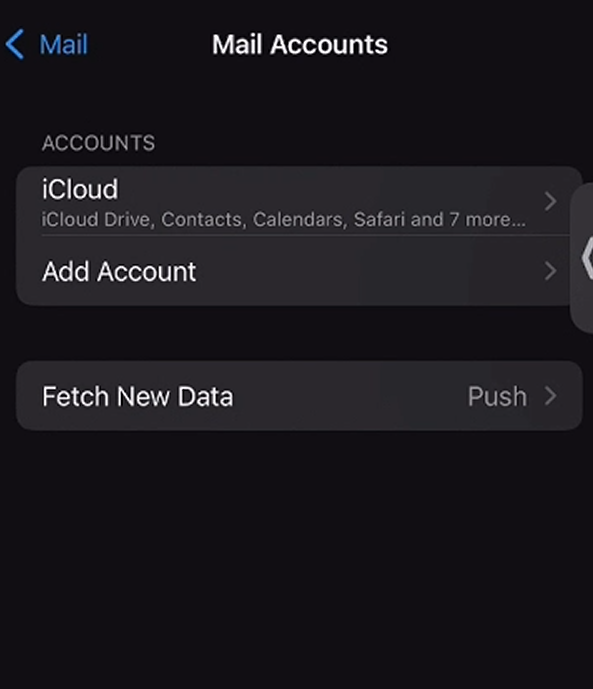
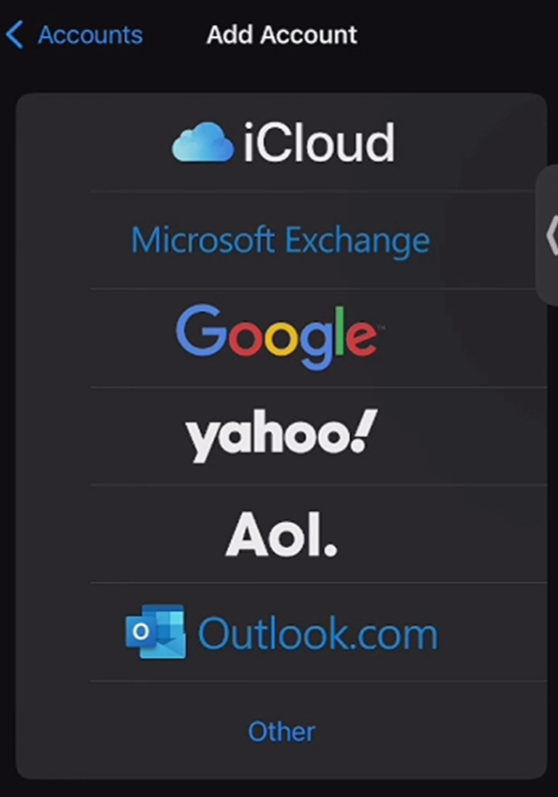
3. Choose to configure your iCloud account or select "Add Account" and log into another email account
Once added, you should be able to send a debug from Skynamo.
If you are still struggling, please reach out to support@skynamo.com