
Start off by finding the Reimbursement Claims report in your list of reports:

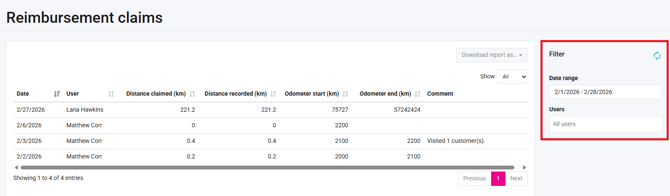
After opening the report, remember to set the required filters on the right-hand side of the page:
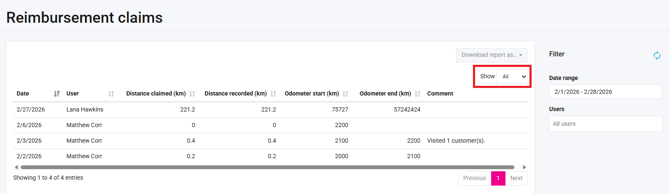
It is also important to set the “Show” box to display "All" to ensure everything is included in the download. Otherwise, it will only download the selected number of entries displayed in the "Show" box.
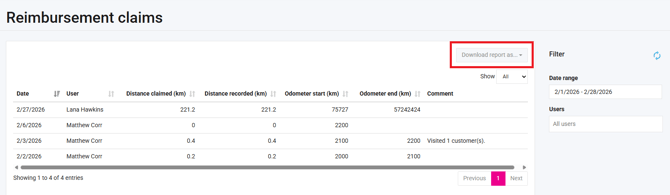
You can now click on the “Download report as” button to select the format in which you want to download the report.
Your Reimbursement Claims report will then be downloaded in the format of your choice, with the filters you selected.