- Click on the 'Add customer' button as illustrated in the red block.

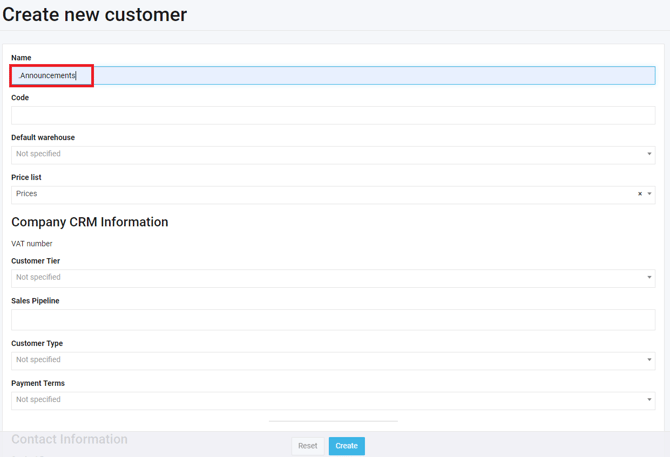
- In the name field, type in: '.Announcements', as illustrated in the red block below. You do not need to fill in any other field.
- Then select create.
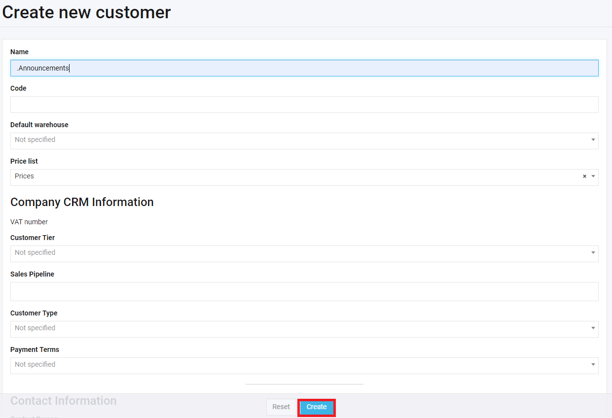
- This will create a customer account for the purpose of making announcements and will be located at the top of your customer list.
- Then you should assign all users to this customer.
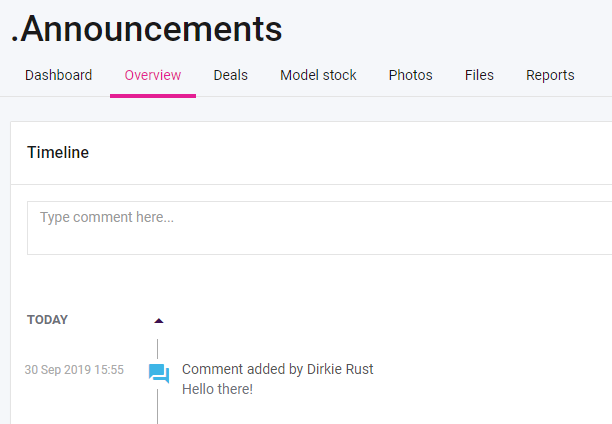
- Type your announcement in the comment field, then click on 'Add comment'.
- Type your announcement in the comment field, then click on 'Add comment'.
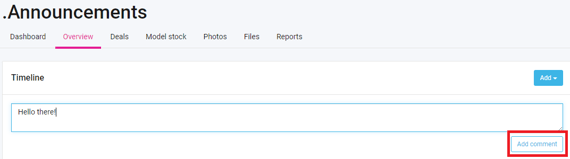
- The history of all the comments will be shown in the Timeline.
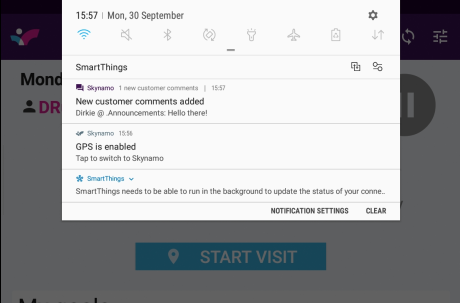
- The announcement will appear like the image below in the Notification bar.